
01
Capture or import audio
Start with a real recording, not a prompt box.
Local AI voice notes
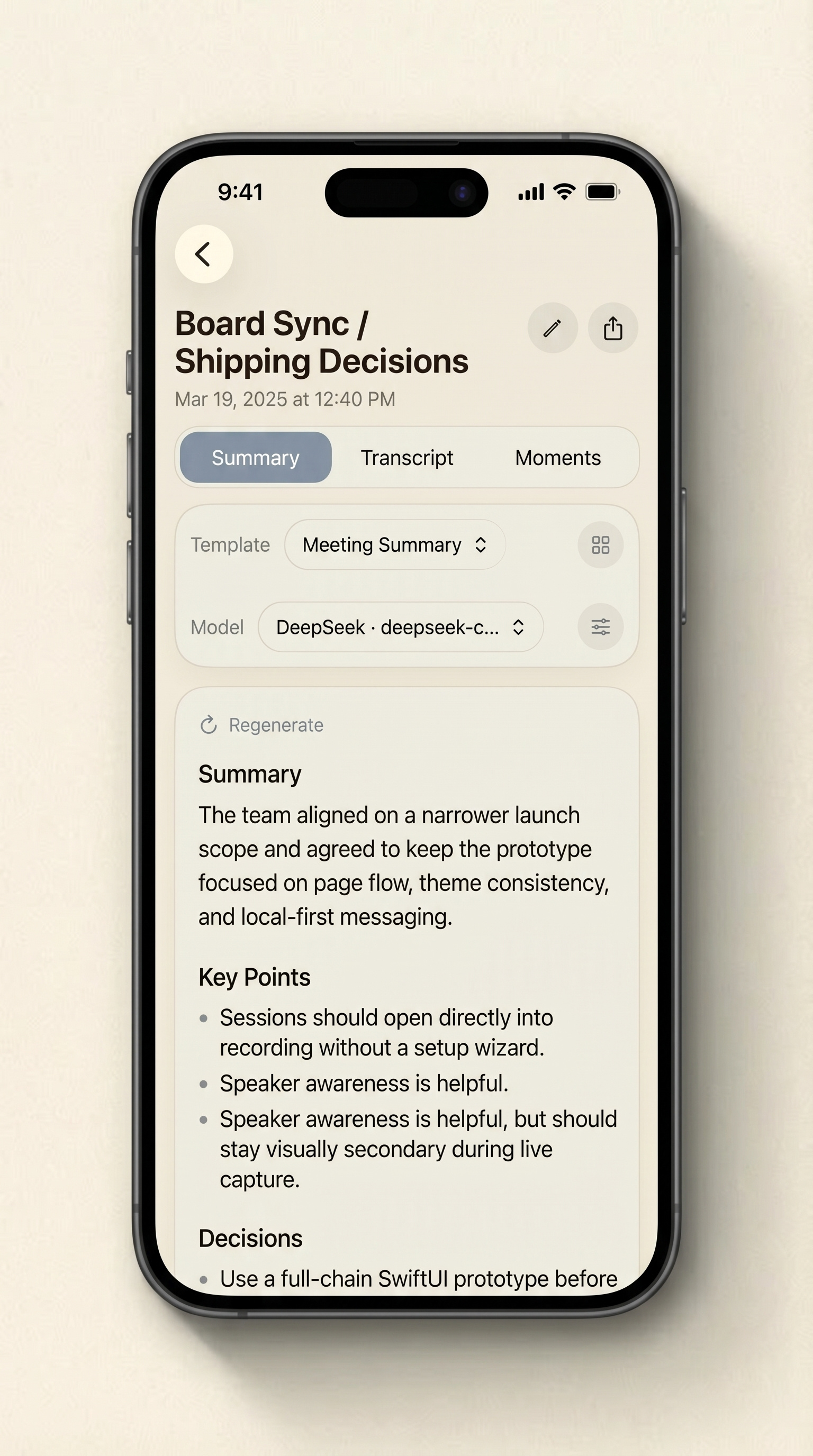
HushNote keeps recording, bilingual transcription, and speaker processing on device. Local summary models are optional downloads, while cloud summaries and cloud Ask HushNote remain explicit choices.
Core topics
The important promise is control.
HushNote should say what happens by default and what only happens after the user chooses it. That is stronger and more credible than overclaiming.
Built for
Useful for private meetings, interviews, notes, and sensitive recordings where the AI layer should be clear about what stays local and what only leaves after explicit configuration.
Local AI path
Use HushNote for on-device bilingual transcription and speaker processing, with no account required, no default audio upload, and optional local summary models.
01
Start with a real recording, not a prompt box.
02
The speech-to-text path is designed to run locally for the core workflow.
03
Download a local summary model that fits the device, remove it when it is no longer needed, and keep the initial app install smaller.
04
Cloud summaries and cloud Ask HushNote are available only to users who explicitly configure a third-party model provider.
Clear boundary
The page should be precise: HushNote is local-first by default, not a promise that every possible action is always offline.
On-device transcription and speakers
Local summary models on demand
Cloud features only by choice
Get started
Record or import audio, then try transcription, summaries, key moments, and export.